Your duo.
One mic.
Add one photo for each performer. AI uses the photos and a motion reference to generate a new 58th Floor studio duet.
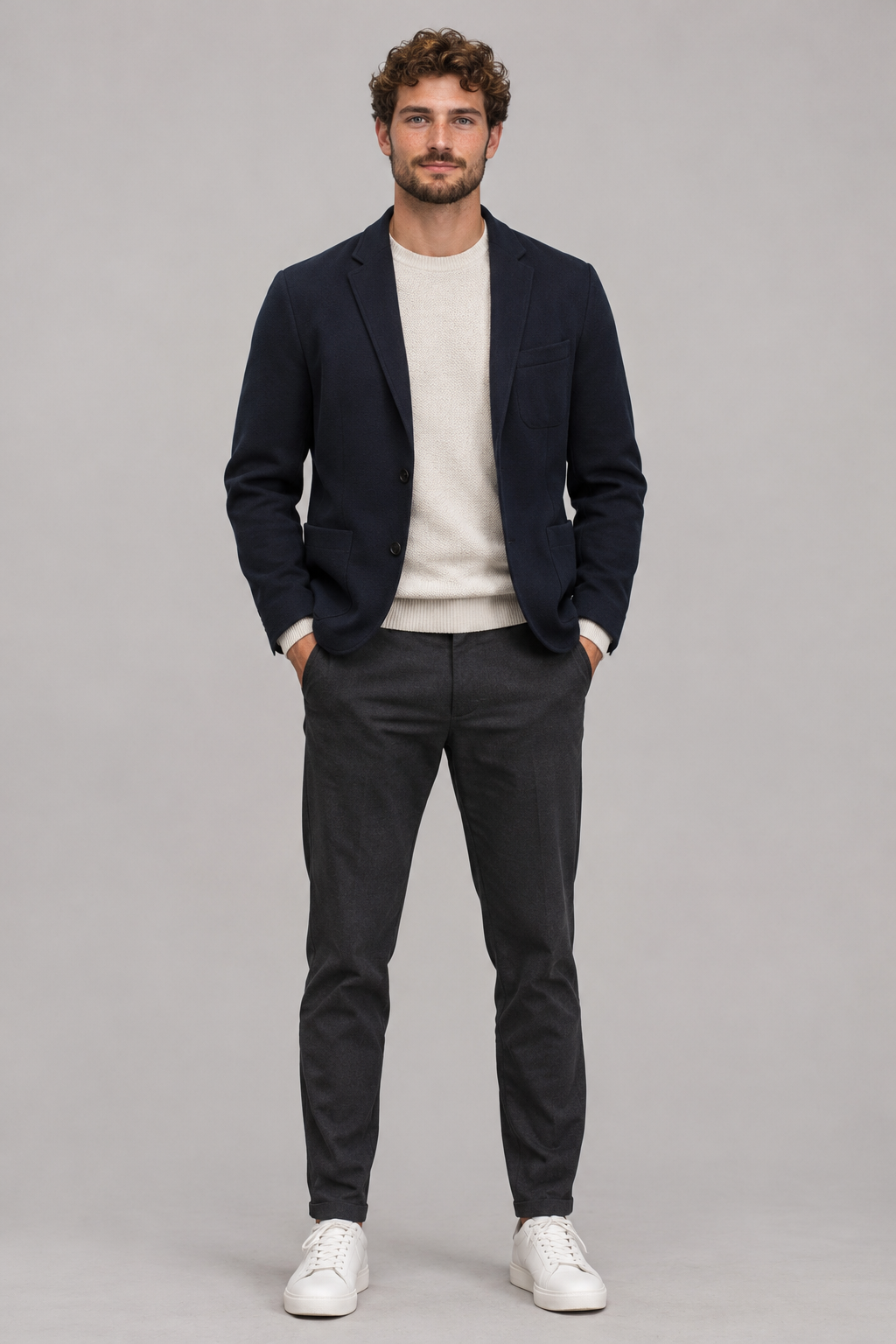 PHOTO 1
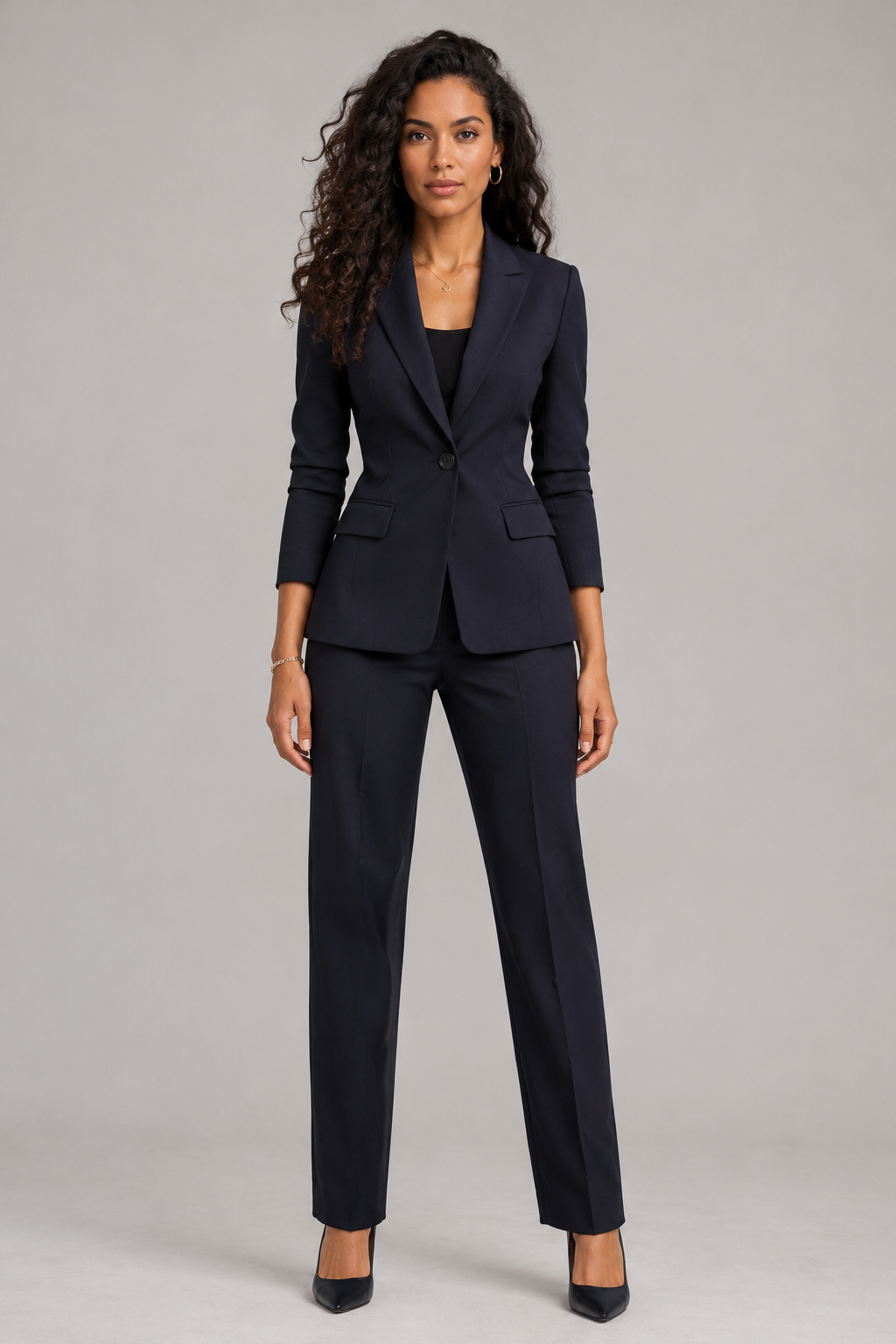 PHOTO 2
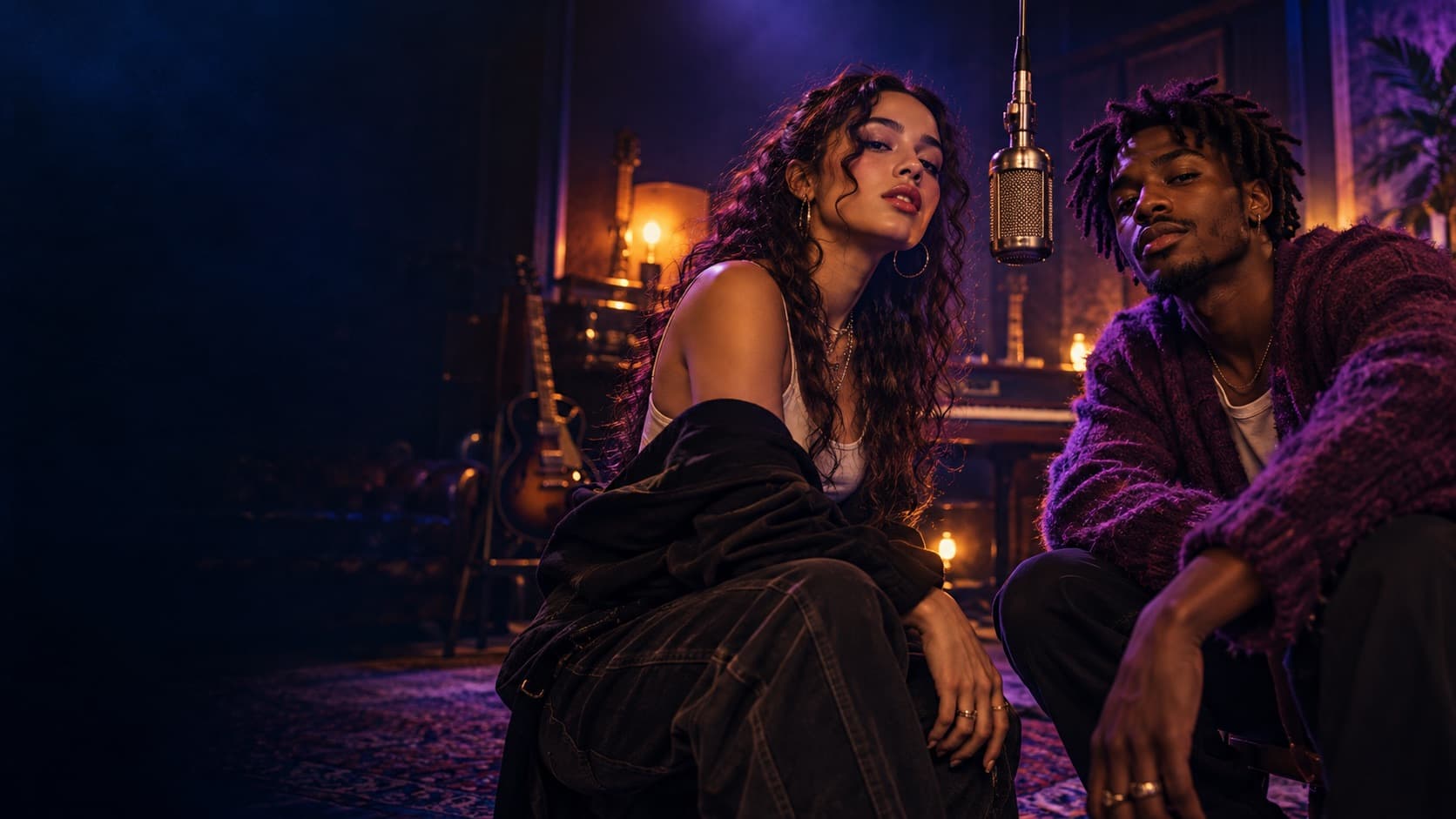
Example photos and AI-generated sample. Your result may vary.
Put your duo in the spotlight.
Your two photos guide the performers’ appearance. A motion reference guides their movement, framing and timing as AI generates a new studio video with a shared microphone.
One microphone.
Two points of view.
A small studio setup gives both performers room to be seen. The motion reference guides the camera and the exchange between them.
Share the frame
Your two performers appear in the same studio scene around one hanging microphone.
Trade the energy
One person leads while the other reacts, then the focus shifts across the duo.
Keep it personal
The photos guide each performer’s appearance. Gestures, framing and details can vary between generated results.
Each result is AI generated, so gestures, framing and timing can vary.
Two photos.
One new scene.
Choose one photo for each role. Clear, front-facing photos help the model represent each person more consistently.
Preview the scene before choosing your photos.
Photo 1 guides the left performer; photo 2 guides the right.
Review the price, complete checkout, and receive your generated clip.
Choose clear photos.
The template is designed for two people, with one person in each upload. Good reference photos help the model keep the generated performers distinct.
Make one moment
your own.
See the full price before checkout. No subscription is required.
One-time payment · Two photos
Before you create.
What is a 58th Floor AI video?
It is a new AI-generated studio video. Your two photos guide the performers’ appearance, while a motion reference guides the performance.
How many photos do I need?
Two clear, well-lit photos—one person per image. Use only photos you own or have permission to use.
Which person goes in each role?
Photo 1 guides the performer on the left; photo 2 guides the performer on the right. The form labels both upload slots before checkout.
How long is the video, and what format is it?
This template is configured for a 12-second vertical 9:16 video at 720p. Generation results can vary.
Will it use the reference video’s audio?
Audio is enabled during generation, and the model is guided to follow the reference video’s soundtrack. The result is AI generated, so its audio may differ from the reference. The visuals are newly generated from your photos.
Will our appearance, clothes and lip sync be exact?
Your photos guide the two performers’ appearance, but AI results can vary. Clothing, details, mouth movement and timing may differ from your photos or the motion reference.
Can I use photos of pets?
This template is designed and prompted for two people. Pet photos are not optimized for this scene.
Will my video look exactly like the sample?
The sample shows the template’s general scene and pacing. Your video is generated from your photos, so its details may vary.
When will I be charged?
You will see the price before checkout. Payment is required only when you confirm your order.